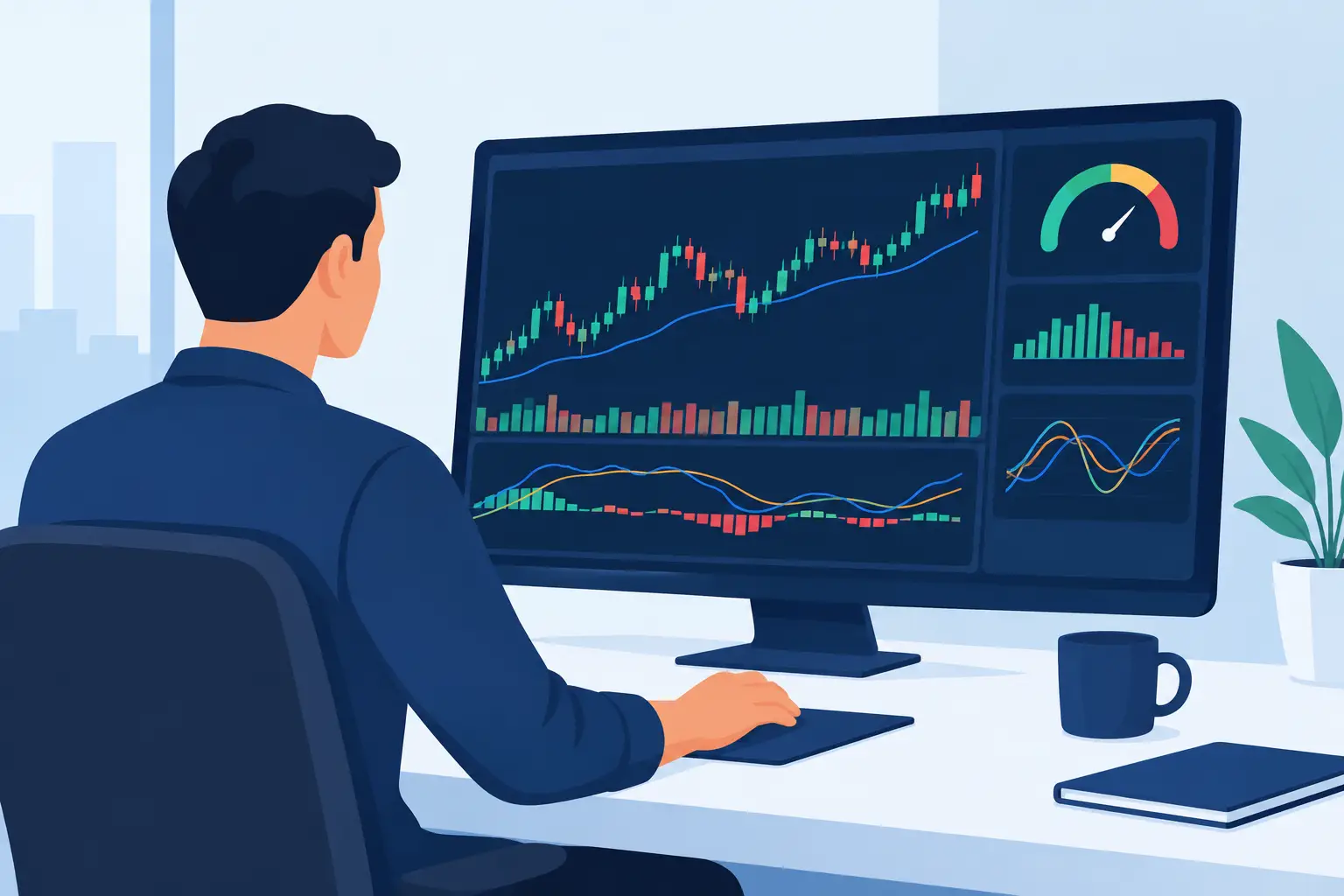
A trading dashboard should reduce decisions, not create more of them. If your chart is filled with overlapping oscillators, conflicting arrows, and alerts you cannot explain, you do not have a system. You have more noise. Learning how to create an indicator dashboard starts with one objective: organize market information so every input supports a defined trading decision.
For serious traders, a dashboard is not a collection of favorite studies. It is a rules-based decision framework. It should help you identify market conditions, locate high-probability trade setups, manage risk, and stay out of marginal trades. The right design will look different for a futures day trader than for a swing trader in stocks, but the principle is the same: every indicator must have a job.
Start With the Trading Decision
Most dashboard problems begin with the wrong sequence. Traders often choose indicators first, then attempt to build a method around them. Start with the decisions you need to make instead.
For example, an intraday trader may need answers to four questions: Is the broader market trending or balanced? Is participation confirming the move? Has price reached a meaningful location? What condition triggers entry and invalidates the trade?
A swing trader may emphasize a different set of decisions. They may need to identify trend direction, volatility regime, relative strength, and a catalyst for timing. Crypto traders operating around the clock may also need a clear way to distinguish liquid, directional periods from thin and unstable price action.
Write these questions before adding a single indicator. If a study does not answer one of them, it probably does not belong on the dashboard.
Build the Dashboard in Layers
A useful indicator dashboard separates context from execution. Trying to read trend, breadth, volume, volatility, and entry triggers from one crowded chart forces the eye to do too much work at the wrong time.
Layer 1: Market context
The first layer defines the environment. This is where you determine whether conditions favor trend-following trades, mean-reversion trades, or patience.
Depending on your market and timeframe, context may include higher-timeframe trend structure, key support and resistance zones, session range behavior, volatility measures, or market internals. A futures trader, for instance, may use broad index participation and volume behavior to determine whether an early move has institutional support. A stock swing trader may use market trend and sector alignment before considering an individual name.
The goal is not to predict the next move. It is to establish the conditions under which your setup has historically performed best.
Layer 2: Participation and confirmation
Price can move without quality participation. Confirmation tools help you decide whether the move is supported by volume, breadth, order flow, relative strength, or another measurable factor relevant to your strategy.
This layer is especially valuable when price alone gives an incomplete picture. A breakout that occurs with weak participation may still work, but it should not receive the same confidence or position size as a breakout confirmed by broad demand and expanding volume.
Avoid stacking indicators that measure the same behavior in slightly different ways. Three momentum oscillators do not create three independent confirmations. They often repeat the same information while creating a false sense of certainty. Choose one primary measure for each market variable.
Layer 3: Setup location
A setup is stronger when it occurs at a location that matters. Your dashboard should make those locations easy to see before the entry signal appears.
These may include prior session highs and lows, volume-based reference levels, opening ranges, moving averages, value areas, major pivots, or volatility bands. The correct reference points depend on your system. What matters is that the levels are objective and consistently applied.
For example, a pullback signal in the middle of a narrow range is usually a lower-quality opportunity than the same signal at a tested support area within an established uptrend. The signal did not change. The location changed, and location changes trade quality.
Layer 4: Execution and risk
The execution layer should be the simplest part of the dashboard. It defines the trigger, stop condition, and initial target or management rule. If you need to interpret five indicators before entering, the design is too complicated for real-time trading.
Your trigger might be a price pattern, a momentum shift, a volume confirmation, or a proprietary signal. The exact tool matters less than the rule behind it. Define what must be true, what cancels the trade, and how you will manage it if filled.
A dashboard cannot replace risk control. It can support it by displaying the information needed to calculate stop distance, position size, and reward relative to risk before you commit capital.
Choose Indicators by Function, Not Popularity
The most common mistake is building a dashboard from indicators that are popular rather than indicators that serve distinct functions. A cleaner approach is to assign each indicator a category.
Your dashboard may need one tool for trend, one for participation, one for volatility, one for location, and one for entry timing. That is often enough. Some strategies can operate with fewer.
Be careful with indicators that are highly correlated. Moving average convergence, rate of change, and RSI may all be useful, but they frequently describe momentum from related angles. If they agree, that may be helpful. If they disagree, the dashboard can become a reason to hesitate rather than a reason to act.
The better question is not, “Which indicator is most accurate?” No indicator is accurate in every condition. Ask, “What information does this tool add that I cannot already see?”
Set Rules for Conflicting Signals
Every dashboard eventually produces disagreement. Trend may be positive while breadth weakens. Volume may confirm a breakout while volatility expands beyond your acceptable risk. These conflicts are not failures. They are the reason your rules must be written before the market opens.
Define hierarchy. Market context should generally outrank a short-term entry signal. A higher-timeframe resistance level may reduce the quality of a long setup. An abnormal volatility reading may require smaller size or no trade, even if the trigger is valid.
You can also use a simple grading process. A trade may require all non-negotiable conditions, such as trend alignment and valid location, plus a minimum number of confirmation factors. This preserves flexibility without allowing discretion to become random.
Do not solve every conflict by adding another indicator. Often, the correct response is to classify the opportunity as lower quality and pass.
Design for Fast Reading
An indicator dashboard must work under pressure. Color, placement, labels, and alerts should communicate information quickly without demanding constant attention.
Use consistent colors. If green represents positive participation in one panel, do not use green to represent an overbought warning elsewhere. Keep execution signals close to price, while broader context and confirmation can occupy separate panels. Hide data that is not relevant to the session or setup you are trading.
Alerts should be selective. An alert is useful when it tells you a meaningful condition has developed, not when it announces every minor indicator change. If alerts interrupt your focus all day, they train you to ignore the one that matters.
If you are refining your workflow, try the TickSurfers free charting platform to organize market context, signal tools, and execution rules in one focused trading environment.
Test the Dashboard as a Complete System
A dashboard is only valuable if it improves decisions over a meaningful sample of trades. Test the complete sequence, not isolated indicator signals. Record the market condition, setup location, confirmation state, entry, stop, exit, and whether you followed the rules.
Review the data by condition. You may find that a momentum trigger performs well in trending sessions but loses its edge during compressed, rotational conditions. You may learn that a volume confirmation improves win rate but reduces trade frequency. Neither result is automatically good or bad. It depends on your objectives, risk tolerance, and ability to execute consistently.
Refine one variable at a time. If you change the trend filter, entry indicator, stop method, and target rule simultaneously, you will not know what caused the result. Professional improvement comes from controlled changes and honest records.
Keep the Dashboard Earned
The best dashboards are not impressive because they contain more information. They are effective because each element earned its position through observation, testing, and disciplined use. Remove tools that do not change a decision. Keep the inputs that help you follow your plan when the market becomes fast, uncertain, or emotional.
Your dashboard should make the next correct action more visible: trade, manage risk, or stand aside. That clarity is where consistency begins.